How to Use Locking Sliding Cabinet Doors in Your Mobile Clinic

Locking sliding cabinet doors keep supplies secure in your mobile clinic. This video shows how to unlock, open, and close the sliding doors, how to use cabinets with the folding option, and why it’s worth keeping spare keys off-site.

Key Moments in this Video

1
Your Cabinet Keys
Your mobile unit comes with locking sliding cabinet doors. Each cabinet comes with two keys, and the keys are universal across all the cabinets in the vehicle.
16
Opening and Locking the Sliding Doors
Insert the key and turn it counterclockwise. Press down on the latch handle and slide the door open. Reverse the steps to close and lock it.
29
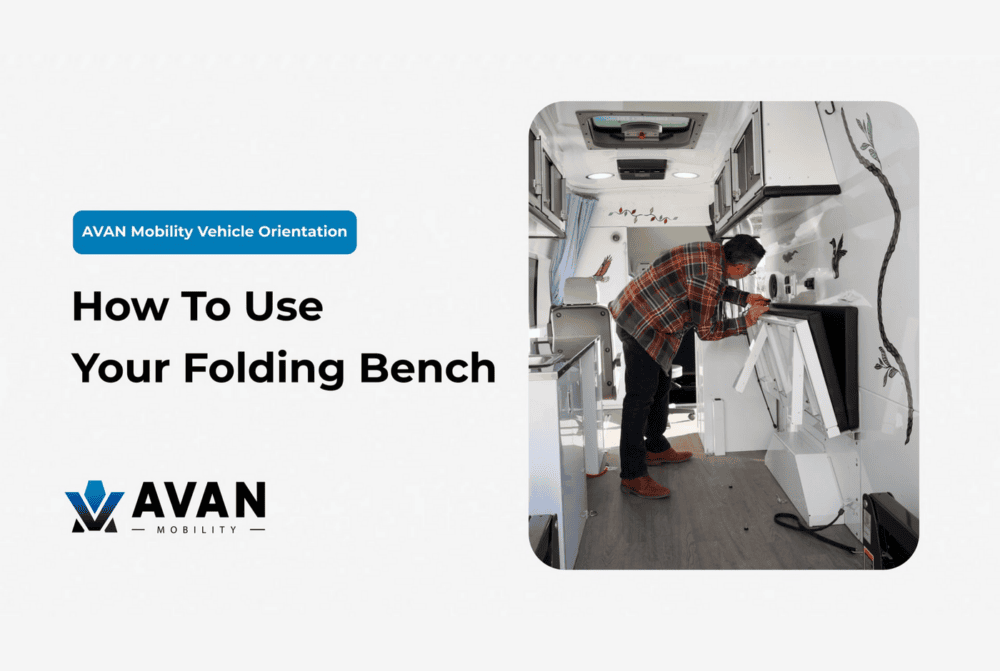
Using Cabinets With the Folding Option
If your cabinets have the folding option, unlock both sides with the key, click the bottom latch up, and lift the door open. To close it, lower the door, latch it, and lock both sides.
52
Keeping Spare Keys
It's always a good idea to keep a few keys off-site in case keys are lost during operation.
Our Experts
Cody Wills AVAN
Our Experts

Frequently Asked Questions:

1. Do the cabinet keys work on every cabinet in the mobile clinic?

Yes. The keys are universal across all the cabinets in the vehicle.

2. How many keys come with each cabinet?

Each cabinet comes with two keys.

3. Which way do I turn the key to unlock the cabinet?

Turn the key counterclockwise, then press down on the latch handle to slide the door open.

4. How do I open a cabinet with the folding option?

Unlock both sides with the key, click the bottom latch up, and lift the door open. To close it, lower the door, latch it, and lock both sides.

5. Should I keep spare cabinet keys?

Yes. It's recommended to keep a few keys off-site in case keys are lost during operation.

Share:

Facebook
LinkedIn
Email